
Python Installation on Fedora Linux and Windows 7
Install Python 3.2 on Fedora Linux
Remember that you must be Super User to install Python the way we discuss here.
Download Python 3.2:
wget http://www.python.org/ftp/python/3.2/Python-3.2.tar.bz2
Extract Files to a directory Python-3.2
tar -xjf Python-3.2.tar.bz2 cd Python-3.2
Change to that directory:
cd Python-3.2
Run ./configure:

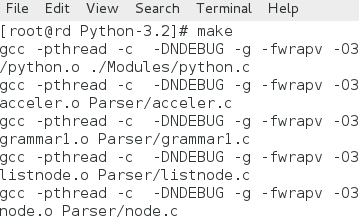
Run make:
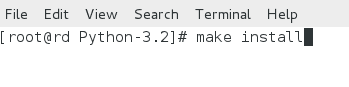
Run make install:
And that's it. After this installation process, for all your Python Scripts, you have to add (if required) '#!/opt/python3/bin/python3' as your path.
You may test which version of Python is installed by running the following command :
python -V
Also remember that with most of the Linux distributions, while installing, a standard installation process also installs Python by default. To run Python, just type python and hit enter and it will take you to the python prompt.
Install Python 3.2 on Windows 7:
Download .msi file of Python from http://www.python.org/getit/releases/3.2/. Once downloaded, double-click the file to install Python 3.2 on Windows 7.
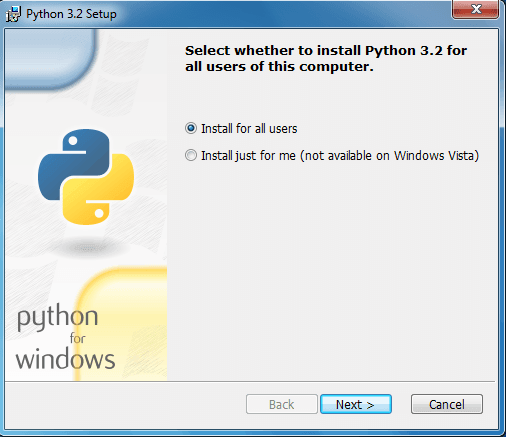
Start Installation:
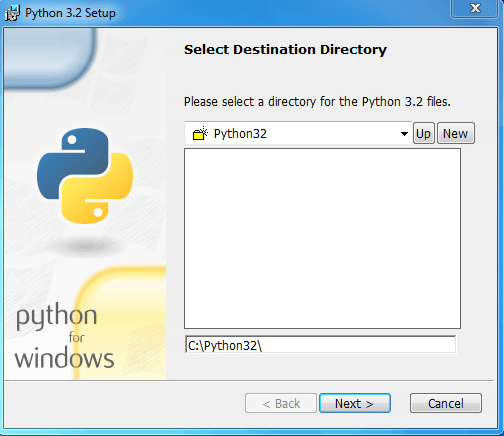
Select Installation folder:
Wait now till the installation process is finished.
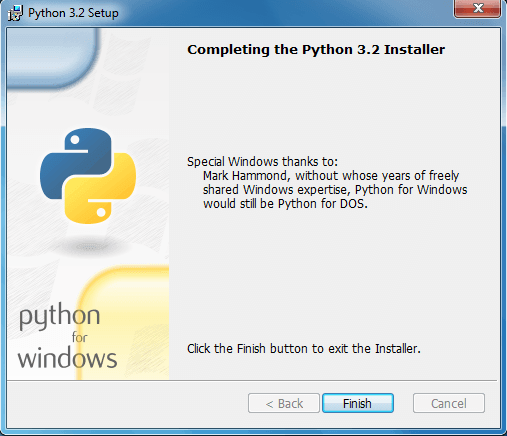
Click Finish button at this stage and that's it. You may open Python command line from Start Menu and you may run python commands as shown bellow:
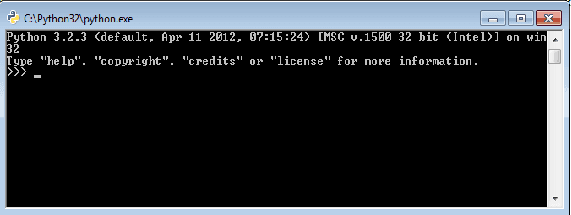
For both Windows and Linux, to leave the Python prompt, issue 'quit()'.
PREV : Python 2 vs 3
NEXT :Python IDLE
Test your Python skills with w3resource's quiz